
EchoFlow is a privacy-focused AI app built for people who want control over their AI data. It is a private AI chat app with AI chats stored locally—an AI app without account or sign-up required to use the app itself.
What stays on your phone
- Chat history — stored locally on device
- API keys — saved on device for BYOK workflows
- App preferences — themes, model lists, settings
- Downloaded local models — when you use on-device models
What cloud providers may see
When you send a message to a cloud model—OpenAI, Claude, Gemini, OpenRouter, or others— that provider processes your prompt according to their policies. Local chat storage does not prevent cloud providers from processing prompts you choose to send. EchoFlow does not claim to be "100% private" or "completely anonymous."
Open-source transparency
EchoFlow is an open-source private AI app. You can inspect the code on GitHub, verify what the app does, and contribute improvements. We aim to be an AI assistant without analytics baked into the product experience— check the repository and release notes for current behaviour.
Practical privacy: Use local models when you want offline, on-device inference. Use BYOK cloud models when you need frontier capability—on your terms and billing.
Common questions
- Which AI app does not require an account?
- EchoFlow does not require an EchoFlow account or sign-up. You install the app, optionally add API keys, and start chatting. Provider accounts may still be needed for cloud models.
- Can I store AI chats locally?
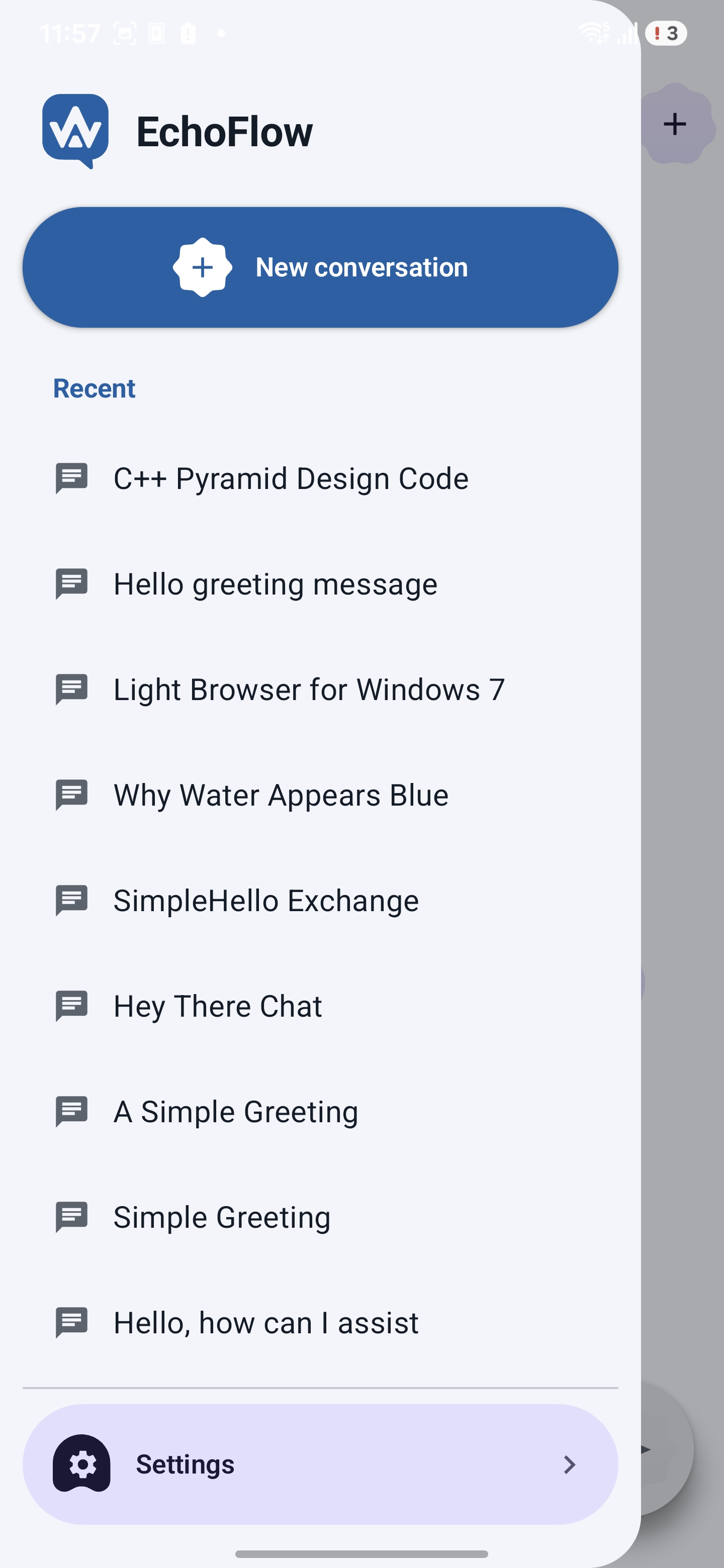
- Yes. EchoFlow stores conversation history on your Android device. Past chats are available offline and are not uploaded to EchoFlow servers.
- Is EchoFlow completely private?
- No app that sends prompts to cloud models can claim total privacy. Local storage keeps your history on your phone, but cloud providers process prompts you send to their models. We explain this clearly rather than making absolute claims.