Your multi-model
AI assistant.
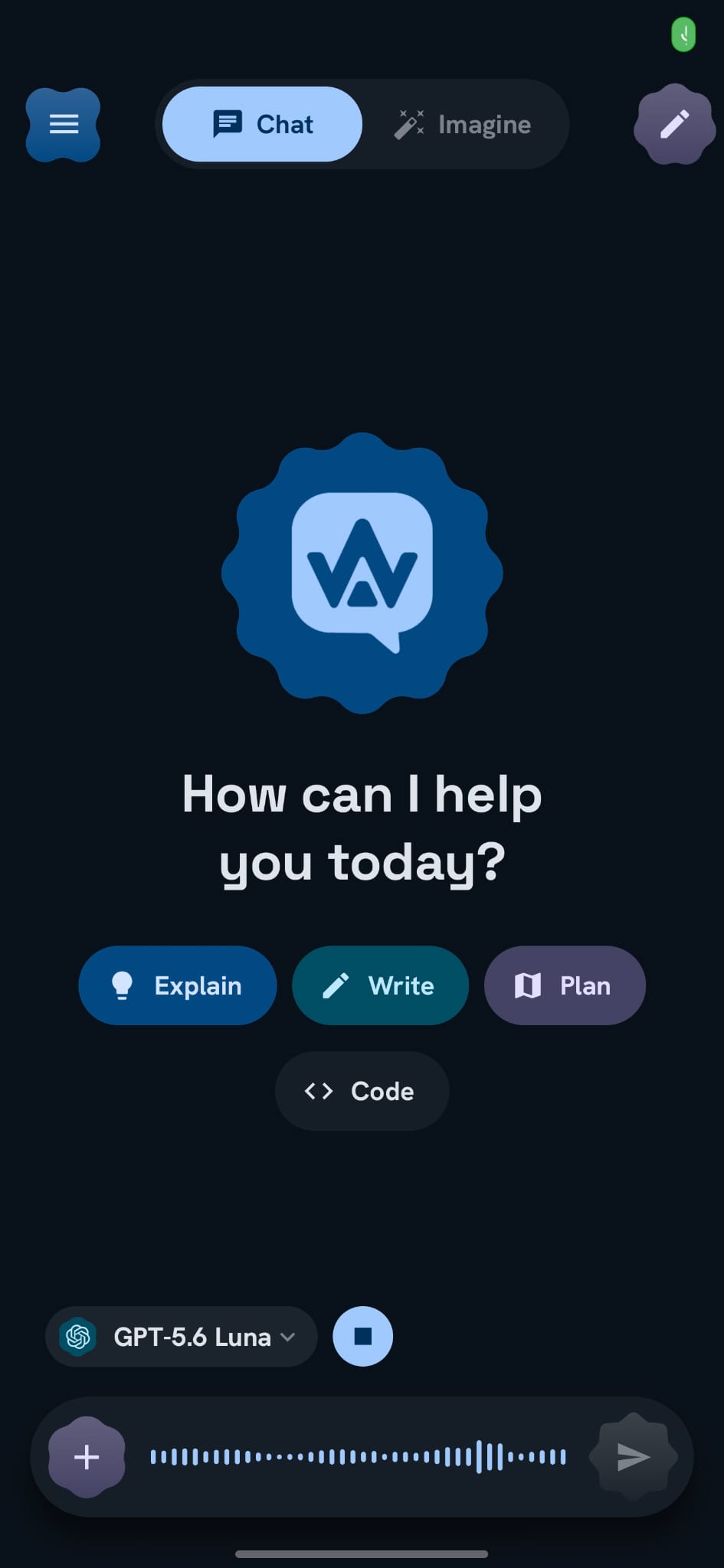
EchoFlow is a privacy-first AI chat app for Android—access GPT, Claude, Gemini and more with your own API keys, search the web, analyse files, run Deep Research, generate images, and optionally use local models. No account. Chats on your phone.
- Multi-model
- BYO API key
- Open source
- 0 account
Shapely, springy, alive.
EchoFlow is built head-to-toe on Google's Material 3 Expressive. Scalloped shapes, bold type and physics-based spring motion give every tap, swipe and transition a playful bounce — it doesn't just work, it delights.
- Real Material Shapes — the scalloped seals throughout
- Spring physics on every tap and transition
- Bold expressive type & soft, generous surfaces
Live answers from
multiple providers.
Give any model real-time web access. EchoFlow searches across providers, surfaces source cards you can tap through, and streams a cited answer back into chat.
- Multi-provider search in one tap
- Source cards with favicons & snippets
- Works with any cloud model you choose
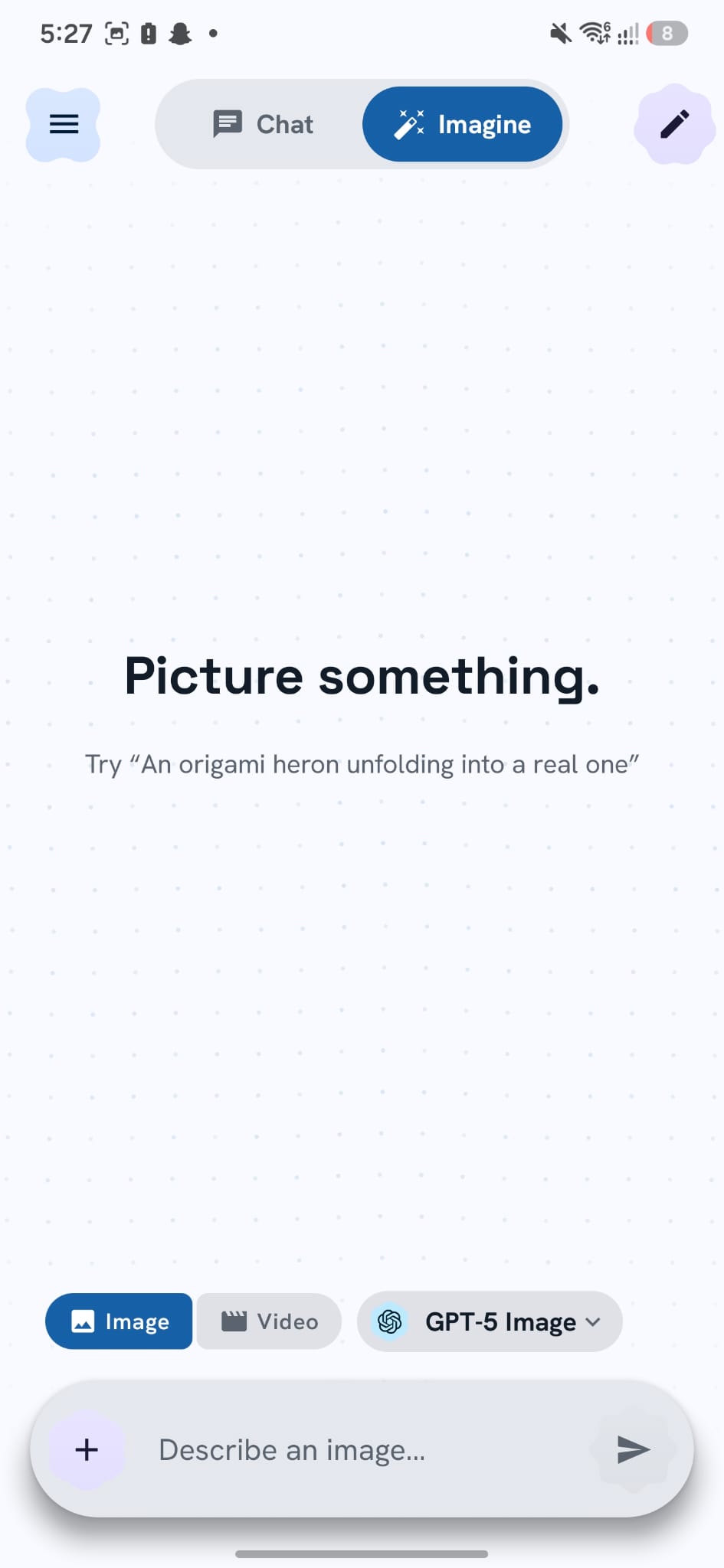
Picture it.
Watch it form.
A dedicated creative workspace beside chat. Describe an image, pick a model, and watch the generation animation resolve into a result you can save, share, or reference.
- Image & video modes with model picker
- Live generation animation in-app
- Separate from chat — same app, different flow
Resolution, aspect,
and sound — yours.
Imagine exposes the knobs power users expect: aspect ratios, 720p through 4K, audio on or off, and first-frame image input for video — without leaving the app.
- Aspect ratio presets per model
- Resolution & cost hints where supported
- Image-to-video with a first frame
Build things, not just text.
Ask EchoFlow to build a calculator, dashboard, or interactive page — and watch it stream an artifact in real time. Preview, iterate, and keep the thread in chat. Deep Research →
- Live building progress with character counts
- Preview artifacts inside the conversation
- Pair with Deep Research for cited reports
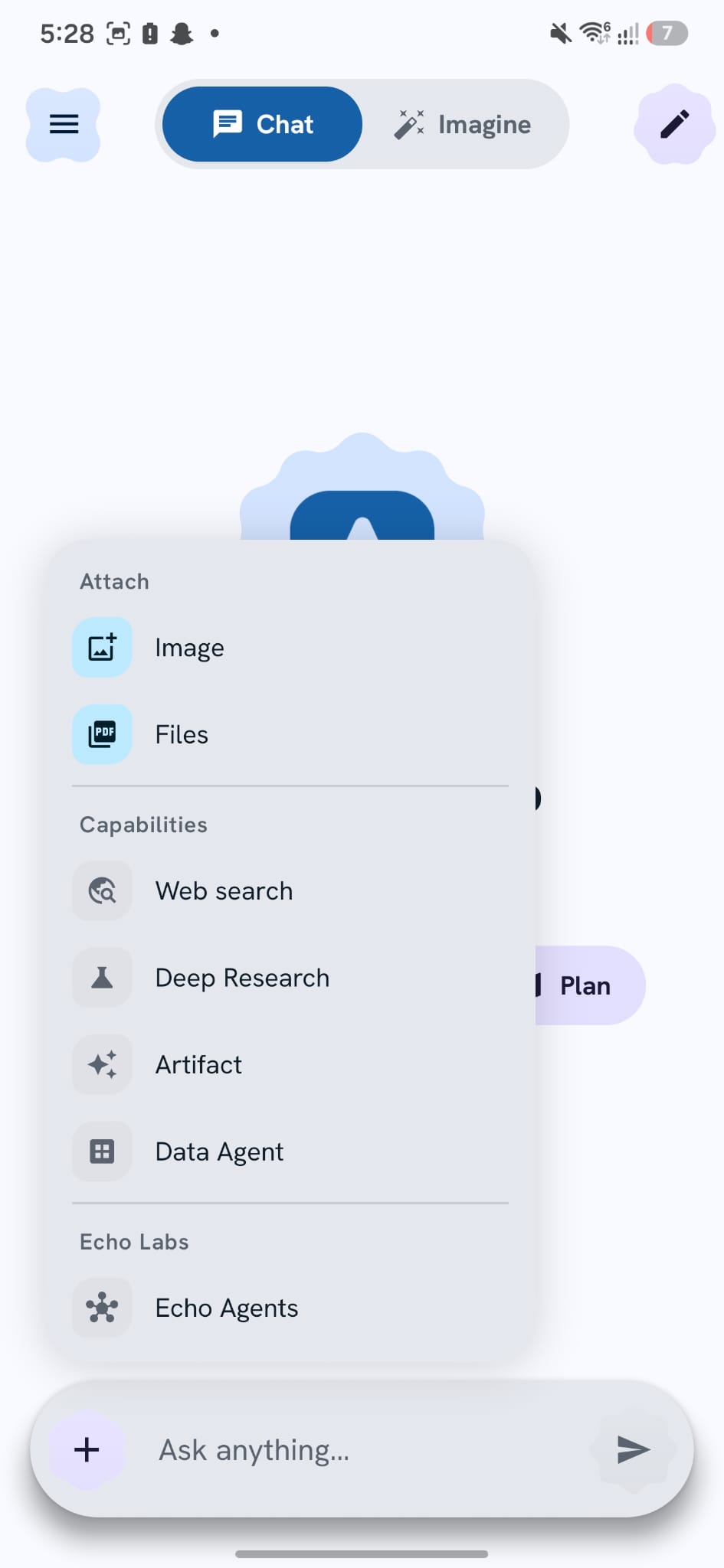
Everything one tap away.
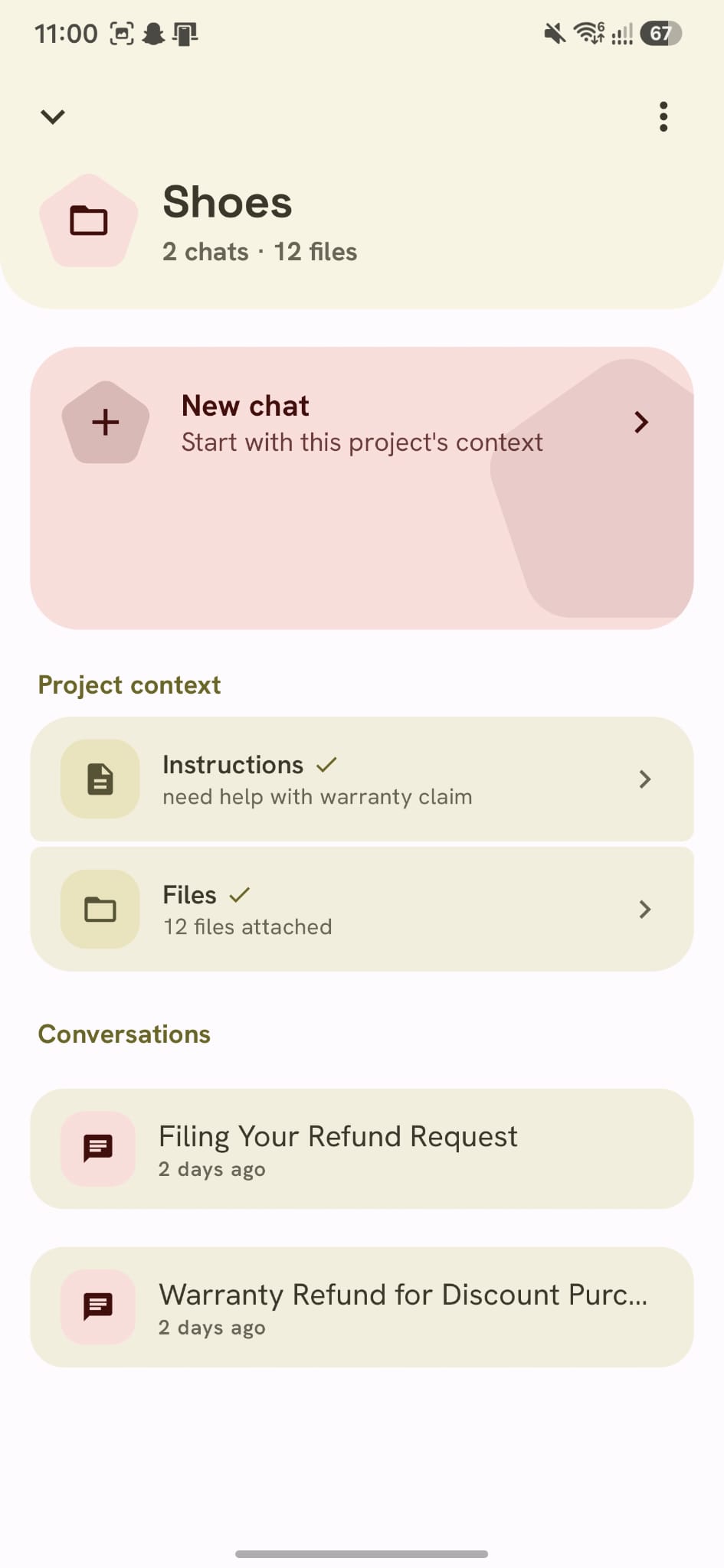
Attach images and files, enable web search, kick off Deep Research, or spin up an artifact — all from the + menu without leaving the conversation.
- Attach images & documents inline
- Web search, Deep Research & Artifacts
- Echo Labs tools for adviser & fusion workflows
Research that runs itself.
Ask a real question and EchoFlow investigates the web across multiple steps, then writes a cited report. It runs in the background — lock your phone and come back to the answer. Learn more →
- Powered by Exa, Parallel, Firecrawl — or your own model
- Runs in the background with a progress notification
- Cited, structured reports when providers return sources
Drop a file.
Ask anything.
PDFs, spreadsheets, slide decks, CSVs — attach them and chat. Summarise a report, extract every table, compare two versions, or study for an exam, with cloud models or fully offline on-device.
- PDF, Word, Excel, PowerPoint, CSV & more
- Extract tables & data into clean answers
- Works with local on-device models, offline
Brand keys.
Your models.
OpenRouter is great — and optional. Connect OpenAI, Anthropic, Google Gemini, Cerebras, xAI and more directly. Add each brand's key, pick chat models per provider, and pay only for what you use.
- Per-brand keys stored on-device
- Choose models inside each brand page
- Images & PDFs supported on direct cloud routes
One key.
Every model
worth using.
Prefer a single key for hundreds of models? OpenRouter plugs straight in — frontier, free, reasoning and image models, all switchable mid-chat.
sk-or-v1-••••••••••••••••••••••••••••• - Add custom models by ID + display name
- Search & swap models from a bottom sheet
- Free models work out of the box
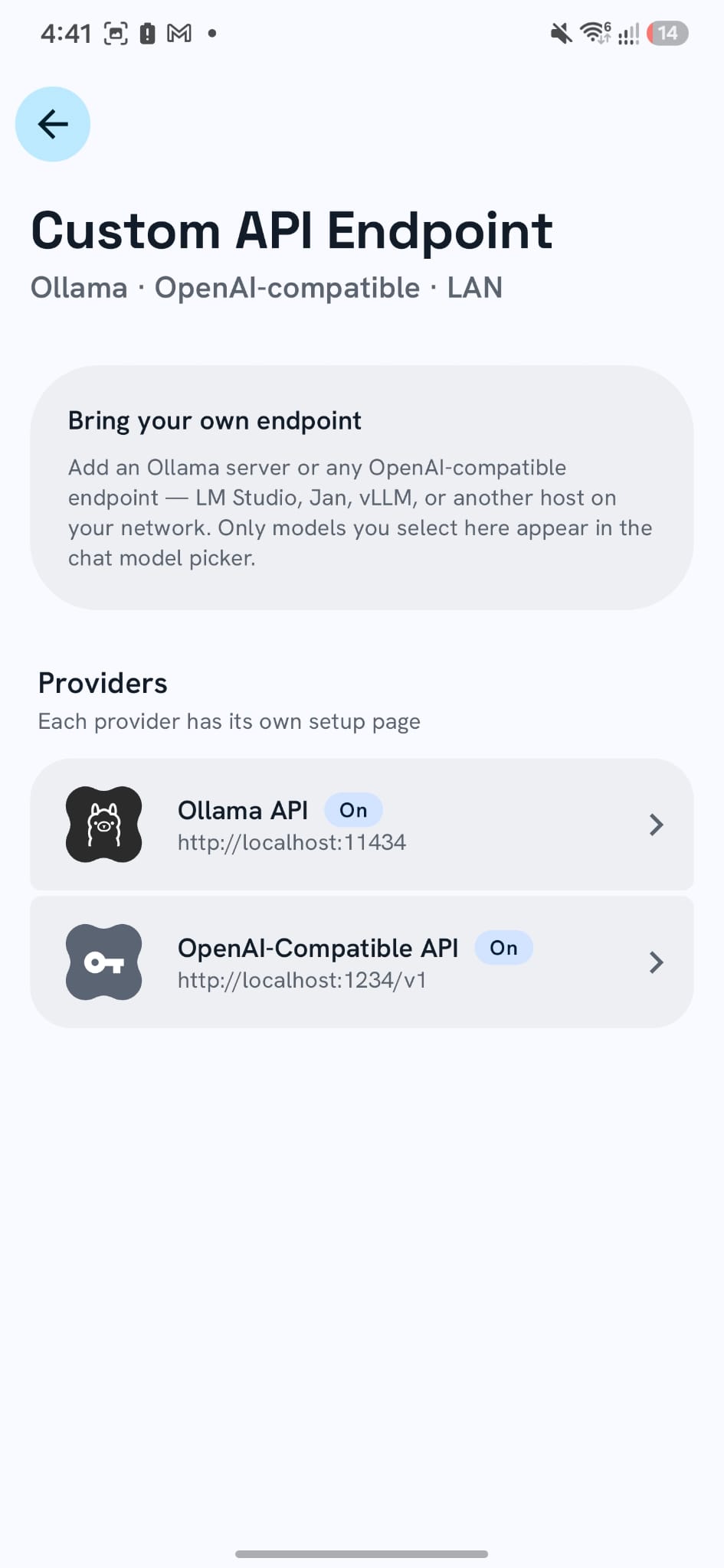
On-device, Ollama,
or your LAN.
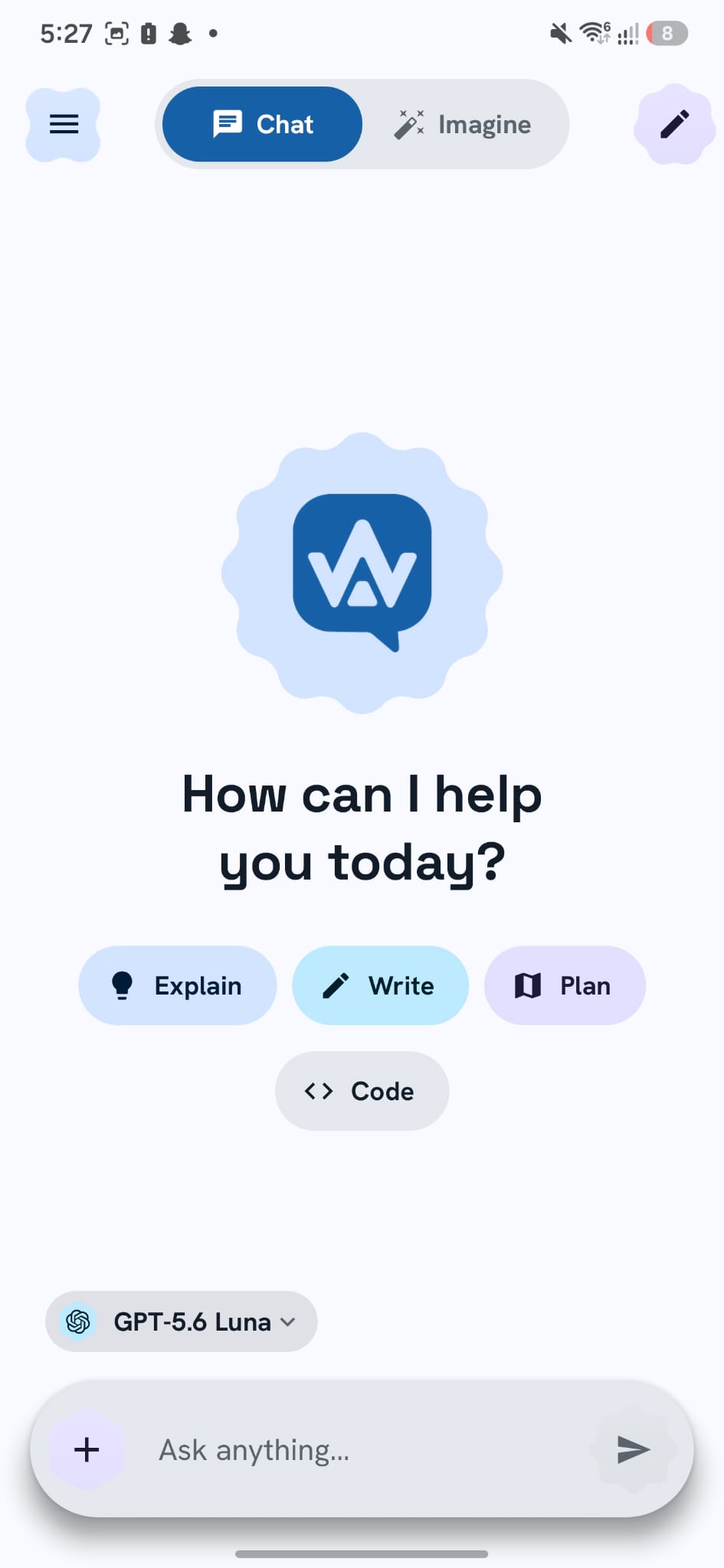
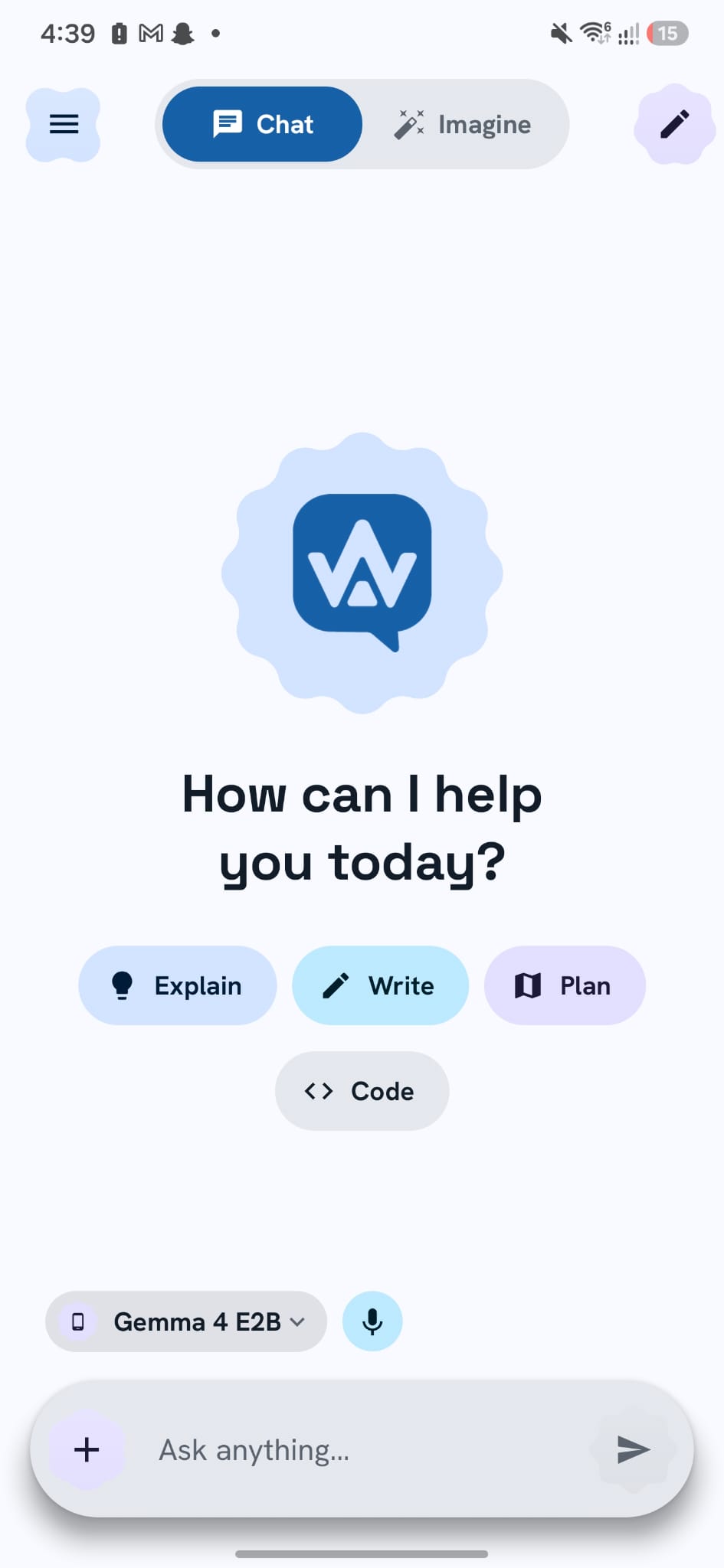
One model picker for everything: frontier APIs, OpenRouter, GGUF models that run offline on your phone, and network endpoints like Ollama or LM Studio on your home server.
- Local badge for on-device GGUF models
- Connect Ollama & OpenAI-compatible LAN servers
- Search & manage models from one sheet
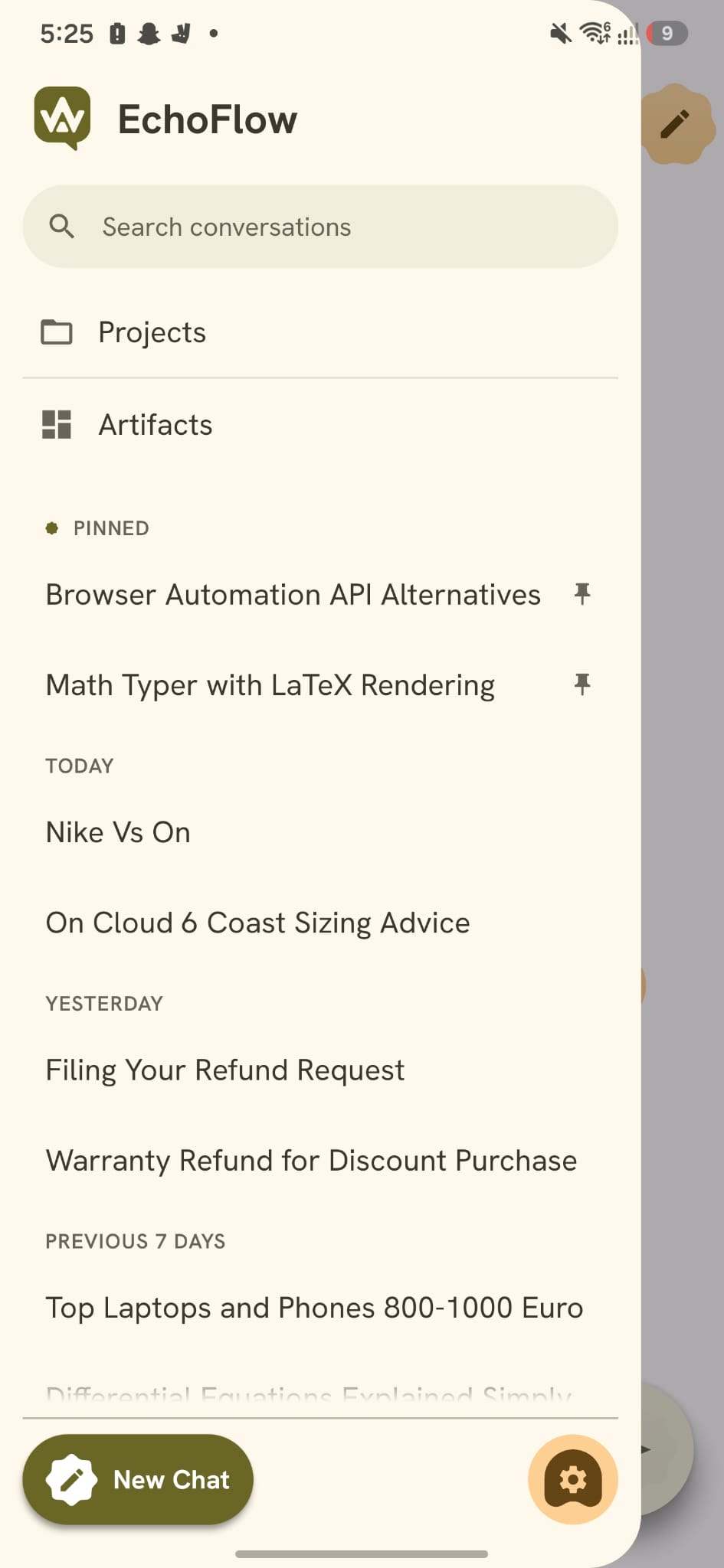
Your whole history, on your phone.
Every conversation is saved locally on your device — so your full chat history is there the instant you open the app, works with no internet at all, and never sits on someone else's server. Privacy details →
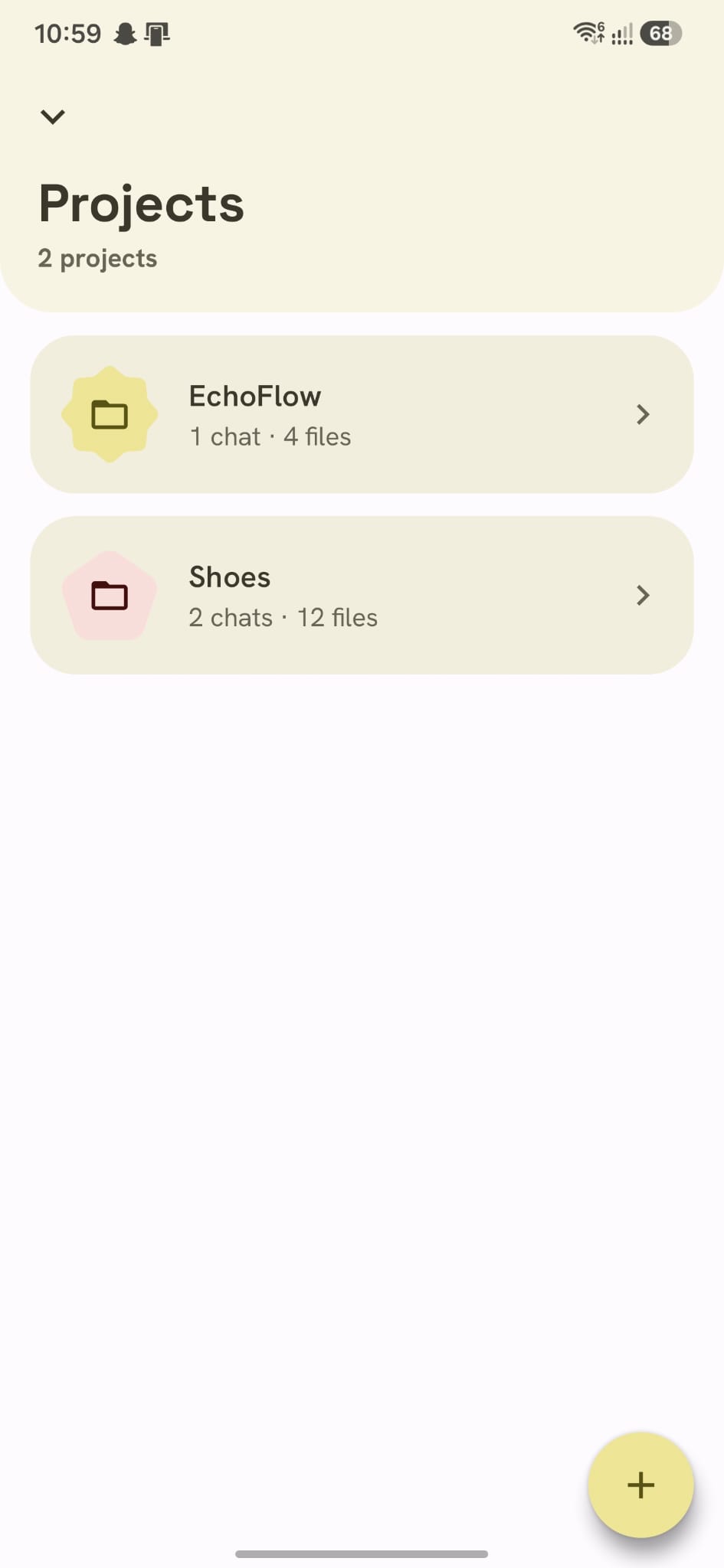
- All chats stored locally on your device
- Open past conversations offline, anytime
- Cloud models still process prompts you send to them
Run AI on your phone. Even offline.
Download a model once and chat with no internet, no cost, and no data leaving your device. One feature in a broader platform — local models →
- Gemma, Qwen, DeepSeek & more, fully on-device
- Works offline — no key, no account
- Download curated picks or import your own
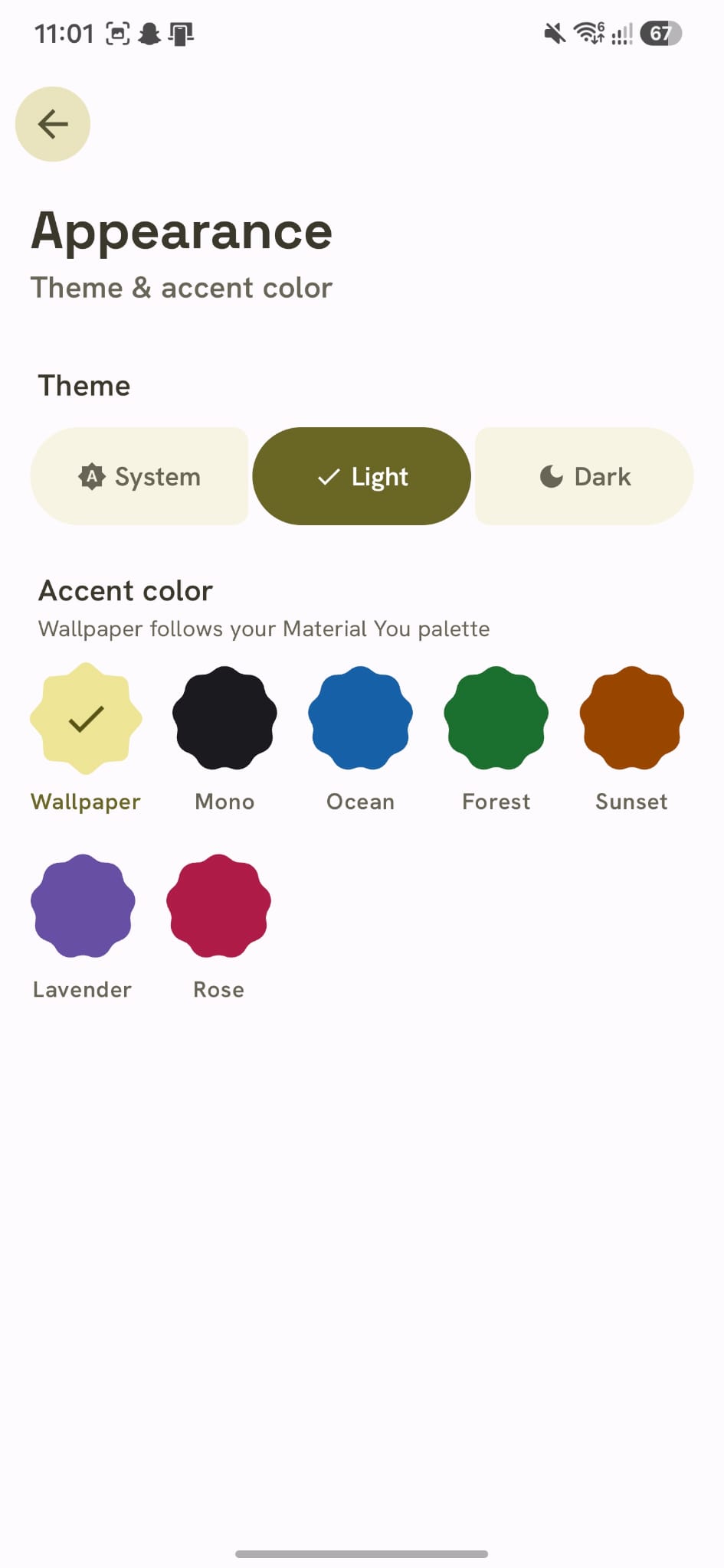
Seven palettes. Light & dark.
Material You.
Each theme recolors the entire app, in light and dark. On Android 12+, Wallpaper pulls your palette straight from your home screen.
Start
the flow.
Bring your OpenRouter key, pick your models, choose your color — and start talking to an AI that finally feels like yours.
Free · OpenRouter · No account required